hailuo video from every prompt
Turn a clear idea into a polished clip with text prompts, optional references, and a focused creative workflow.
Prompt to polished video, without the busywork.
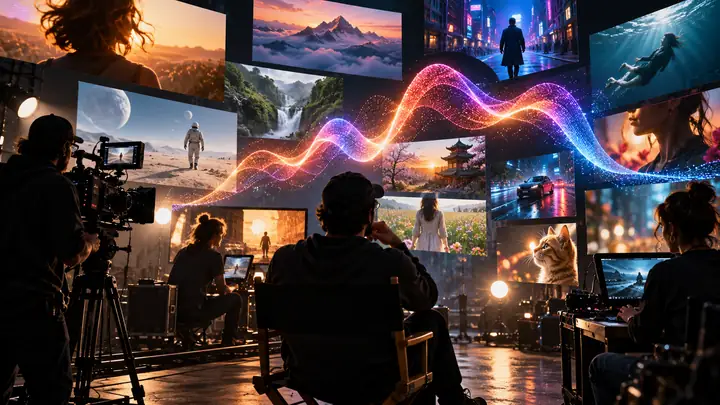

A starting point for every story
Browse visual directions, then open the focused workflow behind the idea.
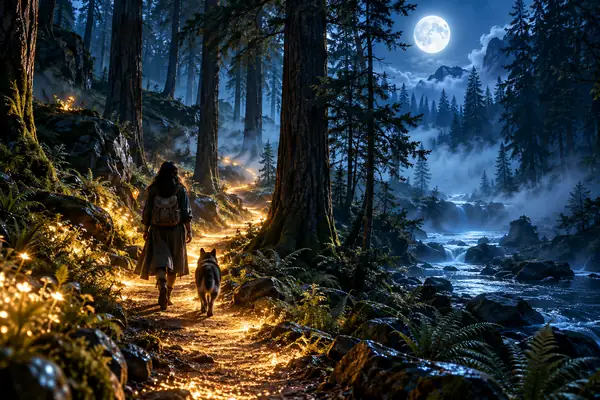 Prompt study
 Prompt study
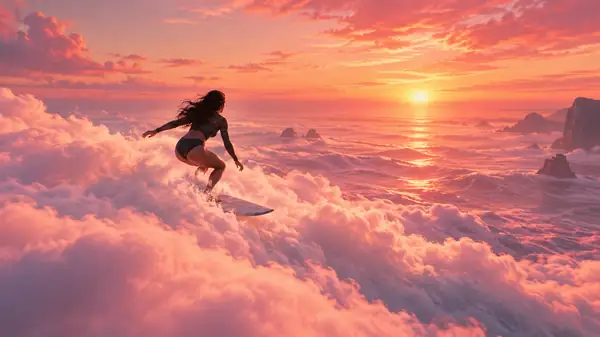 Prompt study
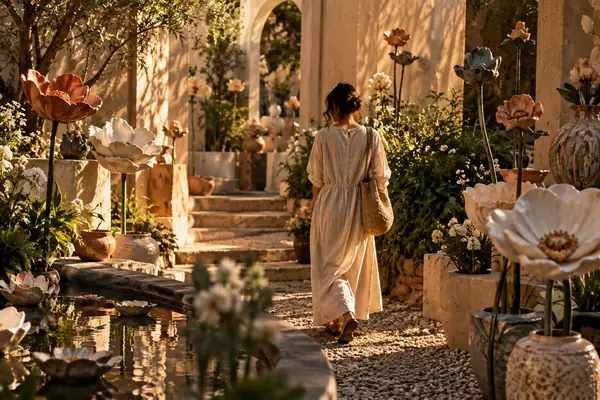 Prompt study
 Prompt study
 Prompt study
 Prompt study
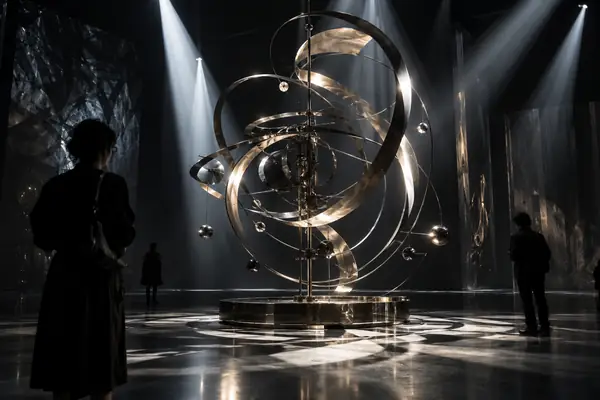 Prompt study
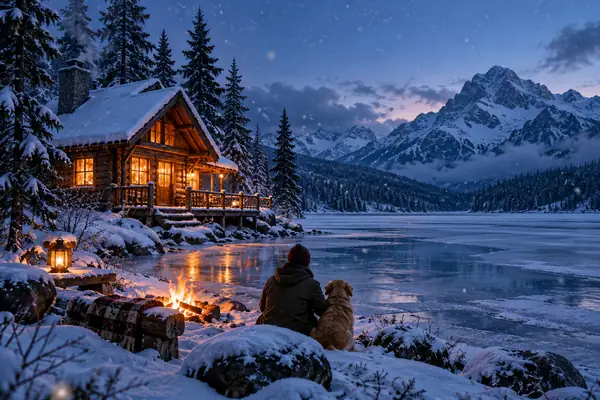 Prompt study
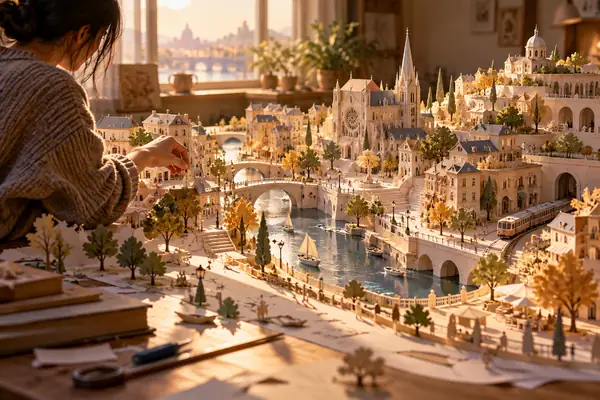 Prompt study
 Prompt study
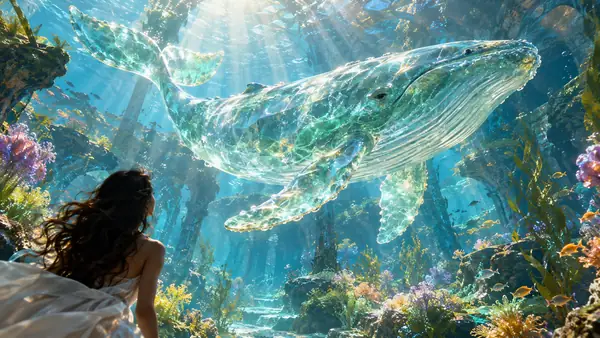 Prompt study
Build a visual language before you press create.
A good clip begins with a point of view. Hailuo keeps the path from first idea to finished motion clear, so every reference, detail, and camera decision has a place.

Start with a clear prompt
Describe the subject, the movement, and the feeling of the shot in plain language. A focused prompt gives the scene a direction that is easy to refine.
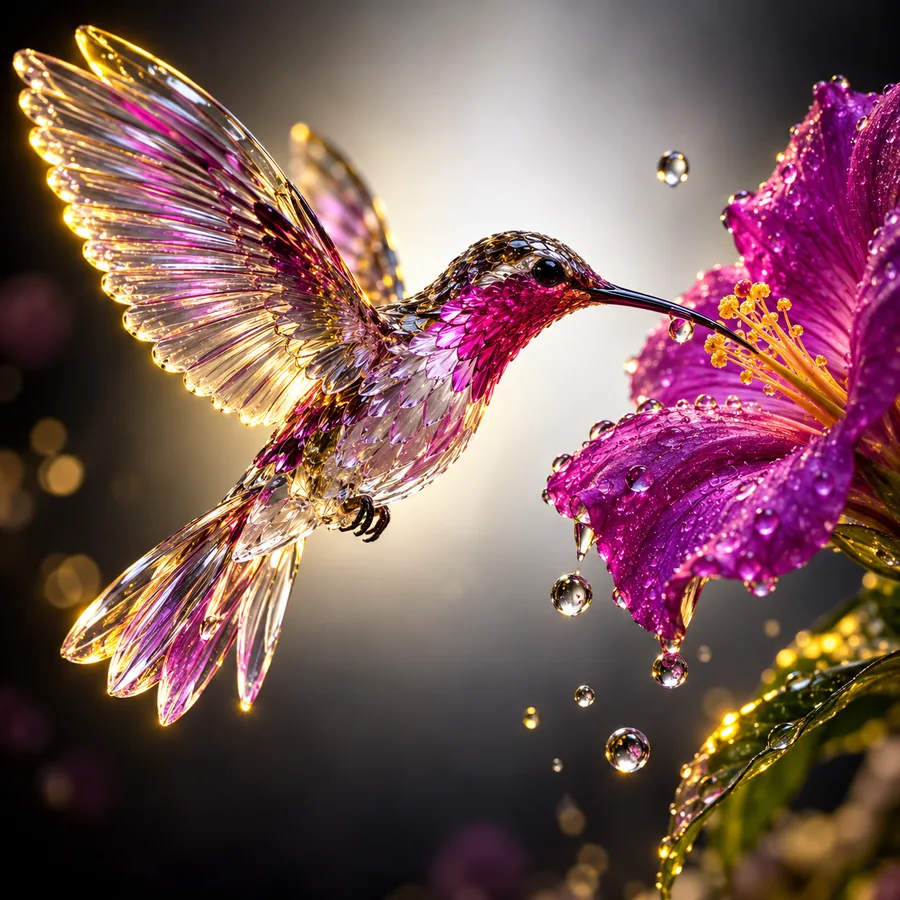
Keep the important details
Use references and specific visual cues when consistency matters. Materials, lighting, and composition can work together instead of competing for attention.
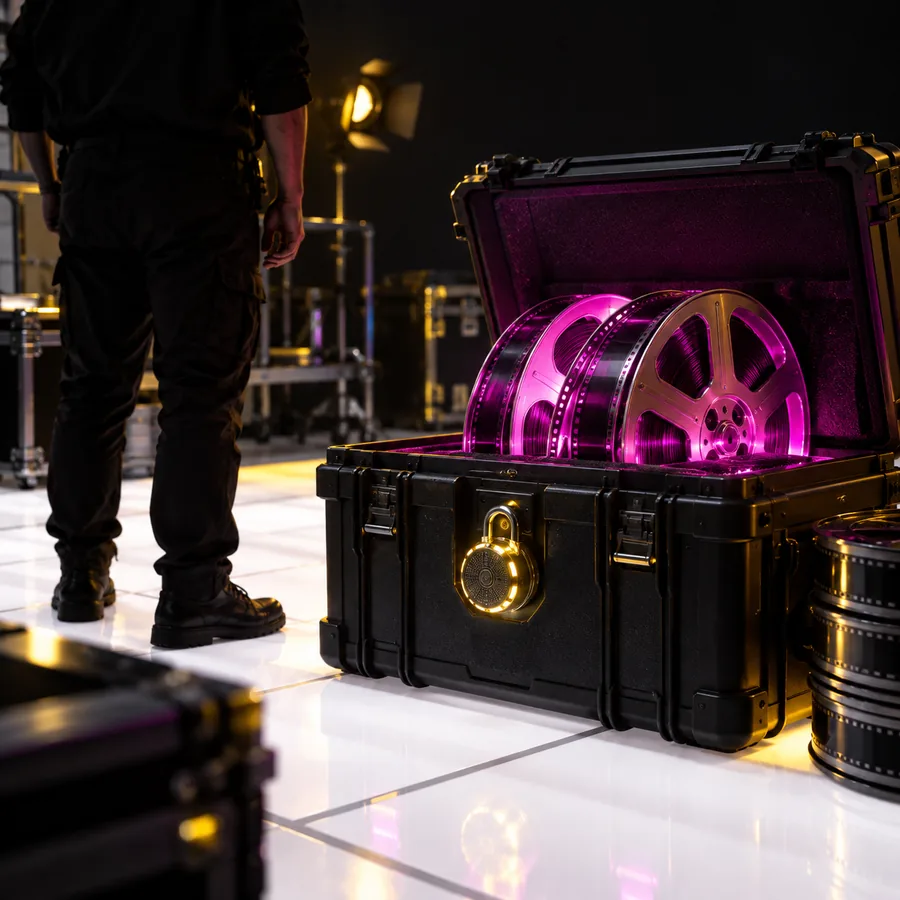
Shape a finished scene
Move from a rough visual thought to a polished clip with a repeatable creative rhythm. Review the result, adjust the direction, and keep the strongest take.
A focused workflow for ideas in motion.
Whether you are exploring a new visual or preparing a scene for a larger project, the same three steps keep the work moving without unnecessary noise.
Give the scene a point of view.
Begin with the subject and the action. Add the lens, atmosphere, or pace that makes the shot feel like yours.
Guide the visual choices.
Bring in a reference when the look needs a starting point. Keep the prompt specific enough to protect the details that matter.
Choose the strongest motion.
Compare the result with the original idea, then adjust one decision at a time. Small changes make the creative process easier to repeat.
Make room for different kinds of stories.
Hailuo can be a sketchbook for early concepts, a source of visual direction, or a practical starting point for the next scene in your project.
Animate a still idea
Take a single image or visual concept and explore how it changes when movement, timing, and atmosphere enter the frame.
Develop channel visuals
Build repeatable scene directions for intros, transitions, explainers, and the moments that give a channel its own visual identity.
Explore creative examples
Start with a visual prompt, test a surprising subject, and use the result to discover a direction that was not obvious at the beginning.
Learn the fundamentals
Build a practical habit around prompts, references, and revisions so each new clip teaches you something useful about the next one.
Questions to ask before your next prompt.
A little preparation keeps the creative loop short. Use these checkpoints to turn a broad idea into a scene with a clear visual intention.
What should a useful video prompt include?
Name the subject, the action, the environment, and the camera feeling you want. You do not need to describe every pixel; choose the few details that define the shot.
When is a reference image helpful?
Use one when the subject, palette, composition, or material needs a stable starting point. A reference works best alongside a prompt that explains the intended movement.
How can a scene feel more intentional?
Give the clip one primary action and one visual emphasis. A clear subject, a considered light source, and a simple camera direction usually create more focus than a crowded brief.
What is a good way to refine a result?
Change one variable at a time and compare each take with the original intention. Keep the language that helped, remove the language that created noise, and try again.