Storyboard artist
Describe a camera move through a rough scene before committing to a shoot.
A motion concept can help a team discuss pacing, framing and what needs to be filmed for real.
hailuo examples freeVideo basics
If you are asking what is hailuo ai video, the short answer is video generated with Hailuo's AI video tools from a description or visual reference. The result is a new clip, not simply a filter applied to existing footage.

Hailuo video is an AI-generated moving scene guided by an input, such as a written description or an image. These related guides separate that basic idea from particular ways of making a clip.
The same idea can support very different projects. These examples describe possible creative workflows, not guaranteed outputs or features of the linked video service.
Describe a camera move through a rough scene before committing to a shoot.
A motion concept can help a team discuss pacing, framing and what needs to be filmed for real.
hailuo examples freeStart with a portrait and describe a small, believable movement rather than a complete scene change.
The exercise makes it easier to judge whether motion preserves the subject's important details.
hailuo ai photoDraft a short visual explanation to accompany a spoken lesson.
A concept clip can suggest visual beats, while factual claims still need independent checking.
hailuo for youtubeThink of generation as a short creative loop: specify the scene, inspect what was made, then revise the instructions. The exact controls available depend on the service you use.
Name the subject, setting, action and camera behavior. For example, a paper boat drifting past a bridge is more specific than simply asking for a beautiful river. If you have an image, decide which parts of it should remain recognizable.
A video model interprets the input and proposes moving frames. Watch for continuity between frames, plausible movement, unwanted changes to the subject and whether the clip communicates the intended idea.
Change one instruction at a time when the result misses the mark. Simplifying the action or specifying a steadier camera may make it easier to tell which part of the prompt influenced the next result.
Generated video is useful for exploring a visual idea. It is not a substitute for verified footage, a dependable record of an event or precise control over every frame.
Starting point
Written scene
A description of subjects, actions and setting.
Image-led scene
A selected still image plus an intended movement.
Useful when
Written scene
You have an idea but no source picture.
Image-led scene
You want to explore motion around a particular visual reference.
Creative control
Written scene
You can describe composition and camera intent in words.
Image-led scene
The source gives a visual starting point, but does not fix every later frame.
Common uncertainty
Written scene
The scene may differ from the picture you imagined.
Image-led scene
Faces, objects or background details may drift during movement.
Best review question
Written scene
Does the action match the description?
Image-led scene
Does the moving subject still resemble the reference?
Not a guarantee
Written scene
Prompt wording cannot ensure an exact shot.
Image-led scene
A reference cannot ensure perfectly preserved details.
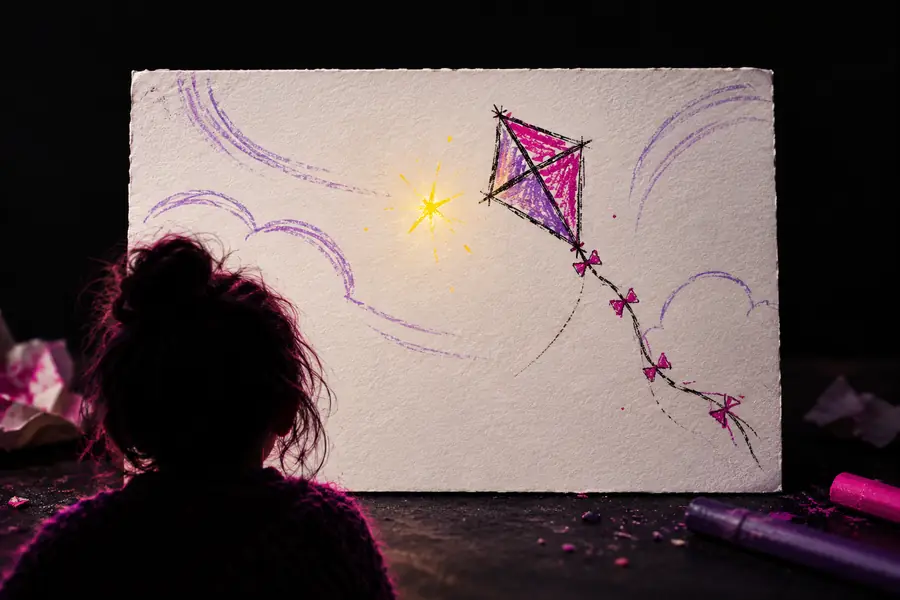 Starting visual idea
 Imagined scene direction
The most useful question is not whether a clip looks striking at first glance, but whether it meets the demands of its intended use.
A generated scene can look like documentary footage without depicting an event that happened. Visual plausibility is not evidence.
Workaround
Label fictional or illustrative scenes clearly and verify factual material using independent sources.
A subject's appearance, object placement or implied physics may change as the scene moves. A still preview may hide those problems.
Workaround
Watch the entire clip and choose simpler actions when consistent details matter.
A convincing output does not establish that you may use its source image, likeness, music or other referenced material.
Workaround
Check the applicable service terms and secure permission for material you supply.
Creators use AI video concepts to test visual directions, explain an idea or plan a shot before production. Start with a subject, one action and a setting; then judge the resulting clip for accuracy, continuity and suitability. The linked service may have its own access terms and controls.
Explore video toolsIt refers to video created with Hailuo's AI video tools using a creative input such as a scene description or visual reference. Rather than merely trimming existing footage, generation proposes new moving imagery based on that direction.
No. Conventional editing rearranges or modifies footage that already exists, while AI generation creates new visual content in response to an input. A creator may still edit a generated clip afterward.
Not necessarily. A realistic-looking scene may be entirely invented, so appearance alone cannot establish authenticity. Treat generated video as illustrative unless its factual basis has been independently confirmed.
Watch for inconsistent subjects, unexpected motion and details that change between frames. Also check permissions for any source material and the terms of the service used to create the clip before publishing it.