Concept designer
You need several visual directions for a campaign, scene, or product idea before choosing one.
Generate a small set of distinct compositions and compare the strongest visual language.
hailuo ai image to video generatorStill image entry point
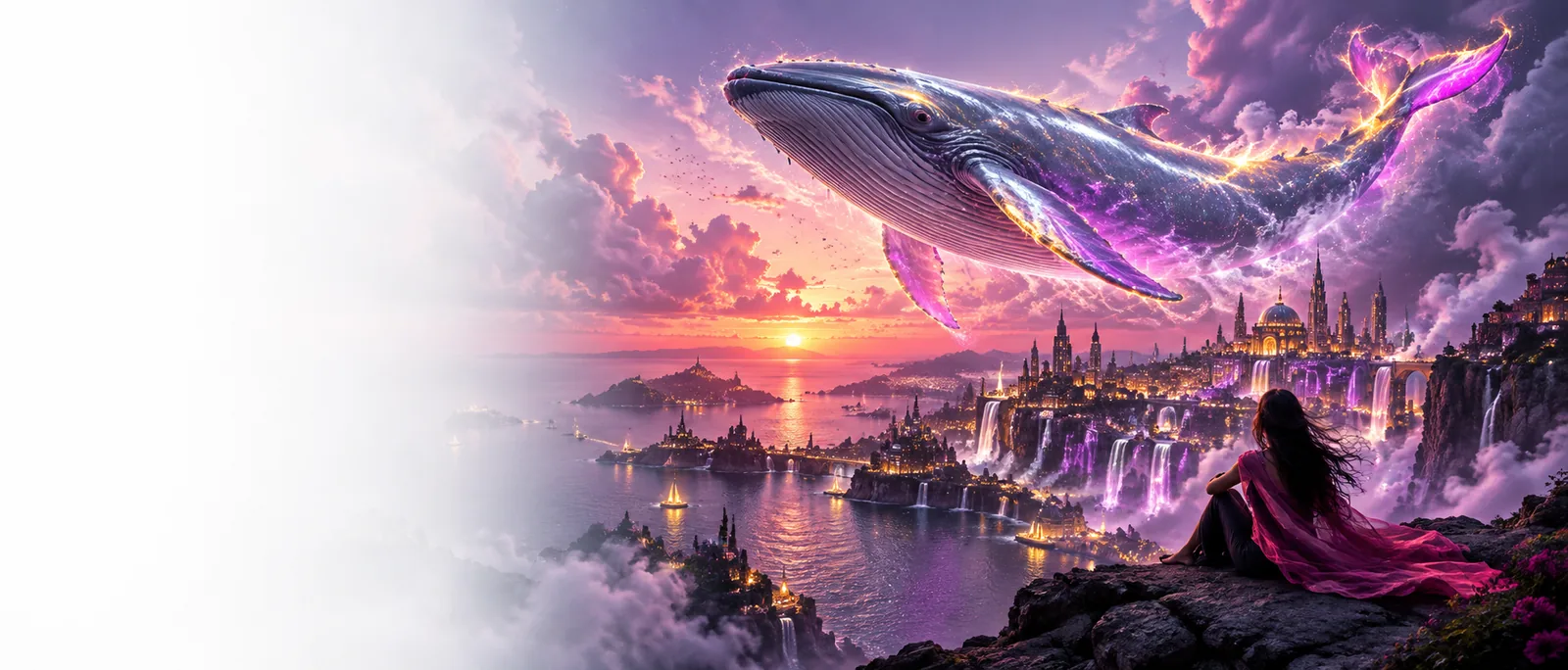
The hailuo ai image generator is a focused starting point for turning a written visual idea into a still concept. Use it to explore composition, subject, setting, and mood before deciding whether the image should become part of a larger video workflow.
Related Hailuo paths
Choose the route that matches the asset you want to make next.
Useful starting points
The best result begins with a specific visual job, not a vague request for something impressive.
You need several visual directions for a campaign, scene, or product idea before choosing one.
Generate a small set of distinct compositions and compare the strongest visual language.
hailuo ai image to video generatorYou have a real photo and want to think about how it might become a more expressive visual sequence.
Use the still as a reference point, then consider a photo-first motion workflow.
hailuo ai photo to videoYour scene needs a believable setting, prop, or character reference before you write the full sequence.
Make the visual brief concrete enough to guide later story and production decisions.
hailuo ai voiceYou are shaping a short piece where the image and narration need to support the same idea.
Keep the still concept separate while you prepare spoken material through hailuo ai audio text to speech.
hailuo ai audio text to speechSimple workflow
A useful first attempt gives the system a subject, a setting, and a visual direction it can interpret.
Start with the main person, object, creature, or place. Say what must remain visually important so the prompt has a clear center.
Describe location, time, lighting, color, framing, and mood. Concrete visual details usually give you more useful choices than broad praise words.
Use the first image as a direction check. Adjust one or two details at a time instead of rewriting every part of the prompt between attempts.
Choose the right route
The image route is best when the desired output is a still concept. A broader video route makes more sense when movement and sequence are already central.
Primary output
Hailuo AI image generator
A still visual concept
General Hailuo video route
A moving video concept
Best starting input
Hailuo AI image generator
A written description of a scene
General Hailuo video route
A written description of action or sequence
Main creative question
Hailuo AI image generator
What should the scene look like?
General Hailuo video route
What should happen over time?
Useful for
Hailuo AI image generator
Moodboards, references, compositions, and visual exploration
General Hailuo video route
Motion ideas, temporal changes, and short scene development
Prompt emphasis
Hailuo AI image generator
Subject, setting, framing, light, and style
General Hailuo video route
Action, timing, camera movement, and transition
When to switch routes
Hailuo AI image generator
Switch when the still needs motion or a sequence
General Hailuo video route
Switch here when you need to settle the visual first
Planning value
Hailuo AI image generator
Clarifies the look before production expands
General Hailuo video route
Clarifies how the visual idea behaves through time
From words to direction
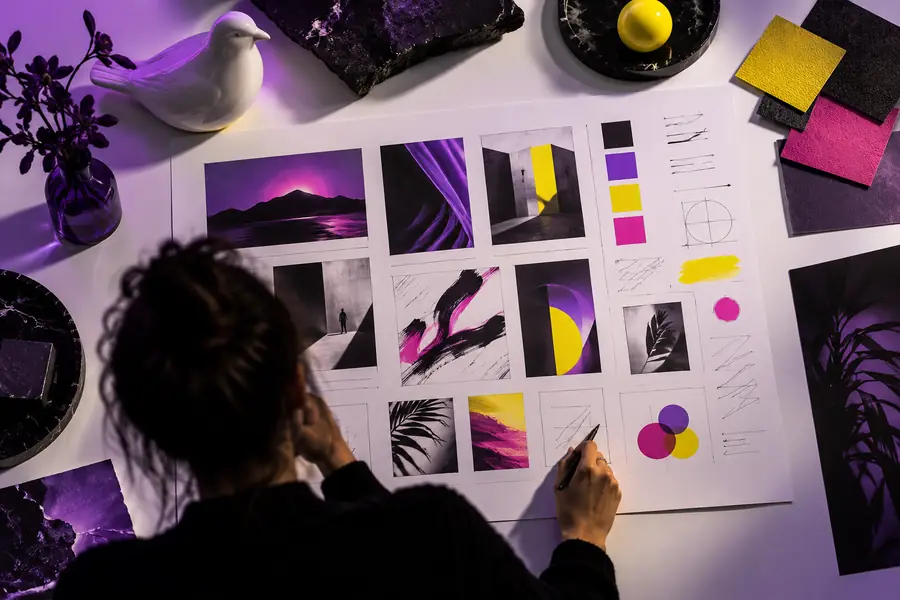 Brief
Brief
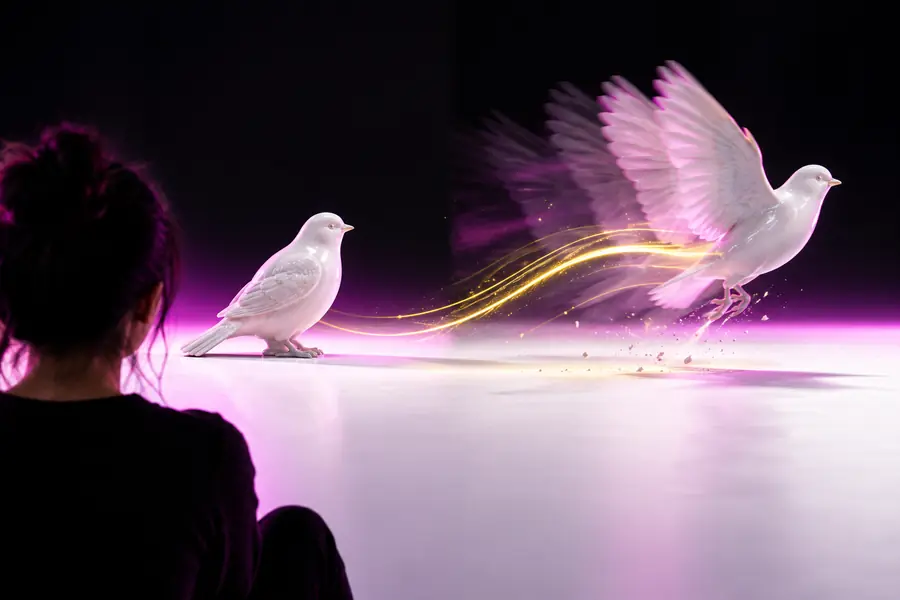 Visual direction
Prompt anatomy
Know the boundaries
A still-image entry point is useful because it is focused. It is not a substitute for every part of a larger production workflow.
A still can suggest action, but it does not prove how a subject, camera, or environment will move.
Workaround
Use the image as a visual reference, then move to an image-to-video or video-focused workflow.
One generated frame cannot define every shot, transition, beat, or continuity decision in a longer piece.
Workaround
Create a small set of intentionally related frames and organize them into a shot plan.
Small details such as lettering, repeated objects, hands, or precise facial features may need review and correction.
Workaround
Treat early outputs as concepts and refine important details before using them as final references.
A polished-looking image can still miss the audience, message, or visual purpose of the project.
Workaround
Judge every result against the brief, not only against surface quality.
Ready to explore
Write the scene as if you were briefing a visual collaborator: name the subject, place it somewhere specific, and describe the light or mood. Then use the result to decide what deserves refinement and whether motion belongs in the next step.
Generate an imageImage generator FAQ
It is a focused route for turning a written visual idea into a still image concept. It can help with early composition, setting, mood, character, object, and reference-image exploration before a larger creative workflow.
Begin with the main subject, then add the setting, lighting, mood, and framing. Specific visual instructions are more useful than a long list of general style adjectives, so describe what should be visible and where it belongs.
The image route is designed around still visual concepts, so it should not be treated as a complete motion workflow. When you need movement, timing, or a sequence, use the still as a reference and choose a video-focused route.
A generated still can serve as a practical visual reference for the next stage of a project. Review the image first, identify the details that must remain consistent, and then choose an image-to-video or photo-led path when motion is the goal.