Exact text may drift
Small labels, signs, packaging copy, and fine typography can be inconsistent in a generated photo.
Workaround
Keep important wording out of the image and add it later in your design or editing tool.
Photo workflow
Use hailuo ai photo as a starting point for developing scenes, subjects, and visual directions. Describe the image you want, then refine the brief until the result is ready for your next creative step.

A useful photo workflow is more than a striking prompt. It should give you a clear subject, a deliberate visual direction, and an output you can evaluate or revise.
The route is best treated as a creative starting point, not a guarantee that every detail will be exact on the first attempt.
Small labels, signs, packaging copy, and fine typography can be inconsistent in a generated photo.
Workaround
Keep important wording out of the image and add it later in your design or editing tool.
Complex fingers, jewelry, utensils, and overlapping props may need a closer inspection than the main subject.
Workaround
Use simpler poses, fewer foreground objects, and a dedicated revision prompt.
A visual description can preserve a mood or composition while changing identity-level details, texture, or proportions.
Workaround
Describe the defining features explicitly and compare each revision against the reference.
Separate generations can vary in lighting, styling, and subject appearance even when the prompt is similar.
Workaround
Reuse a compact style brief and lock the key traits before creating the rest of the set.
A repeatable photo process makes review easier: decide what matters, inspect the result, and revise only the parts that miss the brief.
Name the person, object, setting, action, and visual purpose before adding decorative language.
Add framing, lens feel, lighting, palette, texture, and mood so the photo has a controlled visual identity.
Check anatomy, edges, text, proportions, and continuity, then make one focused revision instead of rewriting everything.
The table below contrasts a loose photo request with a production-minded brief. The stronger version gives the image direction without burying the subject.
Subject
Loose photo prompt
A vase on a table
Production-minded photo brief
A cobalt glass vase holding three dried stems
Setting
Loose photo prompt
A nice room
Production-minded photo brief
A sunlit stone table beside a warm plaster wall
Composition
Loose photo prompt
Make it look professional
Production-minded photo brief
Three-quarter view, centered subject, generous negative space
Lighting
Loose photo prompt
Bright and beautiful
Production-minded photo brief
Soft morning light from the left with gentle contact shadows
Palette
Loose photo prompt
Modern colors
Production-minded photo brief
Muted cobalt, sand, cream, and warm gray
Use case
Loose photo prompt
For social media
Production-minded photo brief
Vertical editorial image with room for a headline above
Review focus
Loose photo prompt
Does it look good?
Production-minded photo brief
Check silhouette, glass edges, stem count, and text-free space
A useful revision does not always add more adjectives. It makes the subject, setting, composition, and intended use easier to judge.
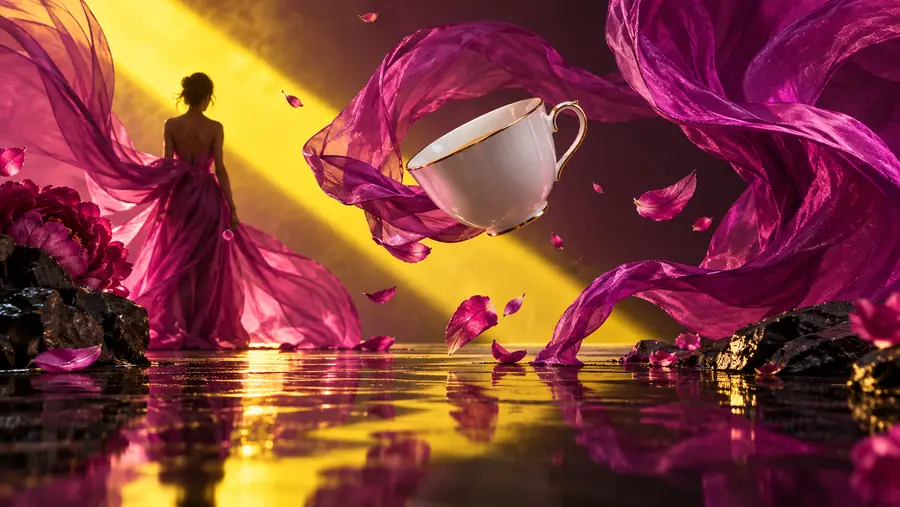 Broad concept
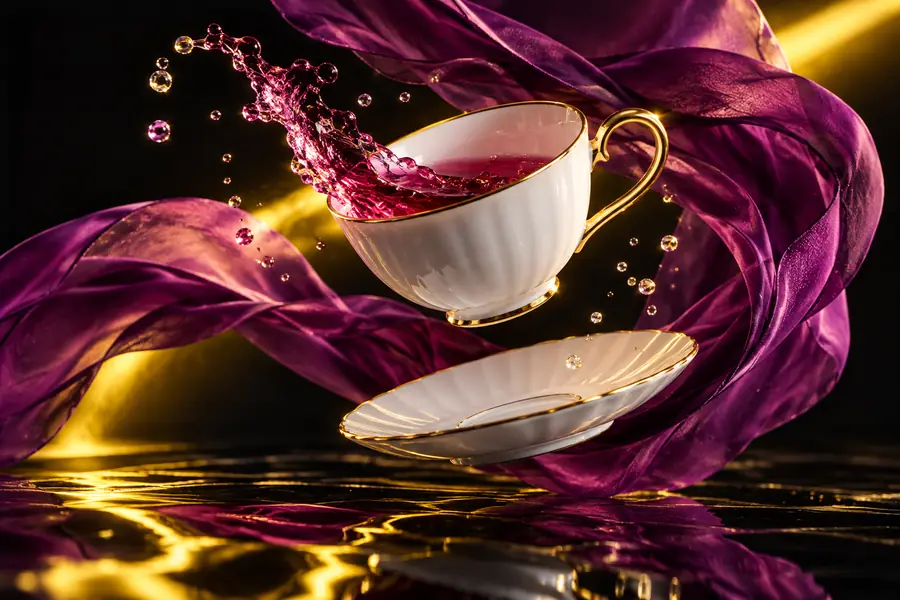 Refined direction
Different creators can use the same photo workflow, but each one should define a different success condition before generating.
Develop a product moodboard before selecting a final campaign direction.
You get several coherent visual routes to compare with a team instead of a collection of unrelated images.
hailuo examples freePlan a thumbnail, cover image, or social post around one clear subject and emotion.
The prompt starts with a usable composition rather than relying on a generic request for something eye-catching.
image-generation workflowTest lighting, palette, props, and framing before a shoot or a larger creative production.
Early visual exploration becomes faster to review because each variation has a defined reason to exist.
photo-to-video workflowCreate a visual direction for a product page when no finished photography is available yet.
You can communicate the intended setting and style to a designer, photographer, or marketing partner.
hailuo examples free ideasStart with the subject and the job the image needs to do. Hailuo can help you explore the visual direction, while a focused review keeps the final concept useful and on-brand.
Create a photo briefYou can use it to explore subjects, scenes, moods, compositions, and visual directions from a written description. It is especially useful for early concepts, moodboards, social visuals, and product-photo planning.
Start with the main subject and setting, then add composition, lighting, palette, texture, and intended use. Specific details usually make review easier, but keep the brief focused enough that you can tell which change affected the result.
Text, labels, and logos may not render consistently, particularly when they are small or complex. Treat the image as a visual base and add important copy or brand marks later in a design or editing tool.
Keep the key subject traits, palette, lighting direction, and style language in a reusable brief. Review each image for those same traits, then revise the outliers instead of changing the entire prompt every time.
It can help with ideation and visual exploration, but you should review every output for accuracy, rights, brand suitability, and required production standards. For final use, confirm that the image meets the needs of your project before publishing.