A still image does not define motion
The source may show the subject clearly without explaining how it should move or how the camera should travel.
Workaround
Add one direct motion cue, such as slow walking, drifting fabric, or a gentle push-in.
First session guide
This hailuo tutorial for beginners shows two practical ways to start: describe a scene with text or begin with an image. Use the path that matches what you already have.

Choose the route that removes the most uncertainty. The best beginner workflow is the one that gives you a clear starting point and an easy way to judge the result.
Choose Path A. Write one focused description with a subject, setting, action, mood, and camera direction.
Choose Path B. Start from the image and describe the movement, atmosphere, or transformation you want to add.
Make one short, specific attempt before adding detail. A simple result gives you better feedback than a crowded first prompt.
Text-led creation is the simplest place to begin when you are testing an idea. Treat the prompt as a compact shot brief rather than a list of unrelated adjectives.
An image-led workflow gives Hailuo a visual anchor, but it still needs a clear instruction about movement. Keep the requested motion modest on the first pass.
The source may show the subject clearly without explaining how it should move or how the camera should travel.
Workaround
Add one direct motion cue, such as slow walking, drifting fabric, or a gentle push-in.
Faces, hands, text, and thin objects can vary as the scene animates, especially when the instruction asks for several actions.
Workaround
Use a clean source image and describe only the most important movement.
More action creates more opportunities for continuity problems and makes it difficult to tell which instruction caused them.
Workaround
Test one short visual beat, then revise the prompt instead of expanding everything at once.
A low-resolution, cluttered, or poorly framed image can limit the quality of the result even when the prompt is strong.
Workaround
Crop to the main subject, improve contrast, and remove distractions before starting.
Both routes can lead to a useful first result. The difference is whether you are asking Hailuo to establish the visual world from words or animate a visual reference you already chose.
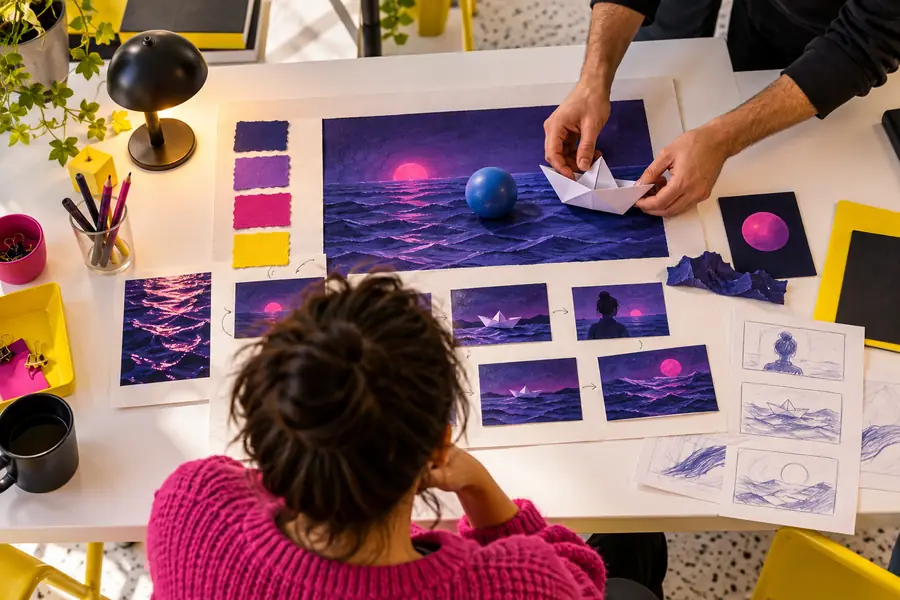 Starting concept
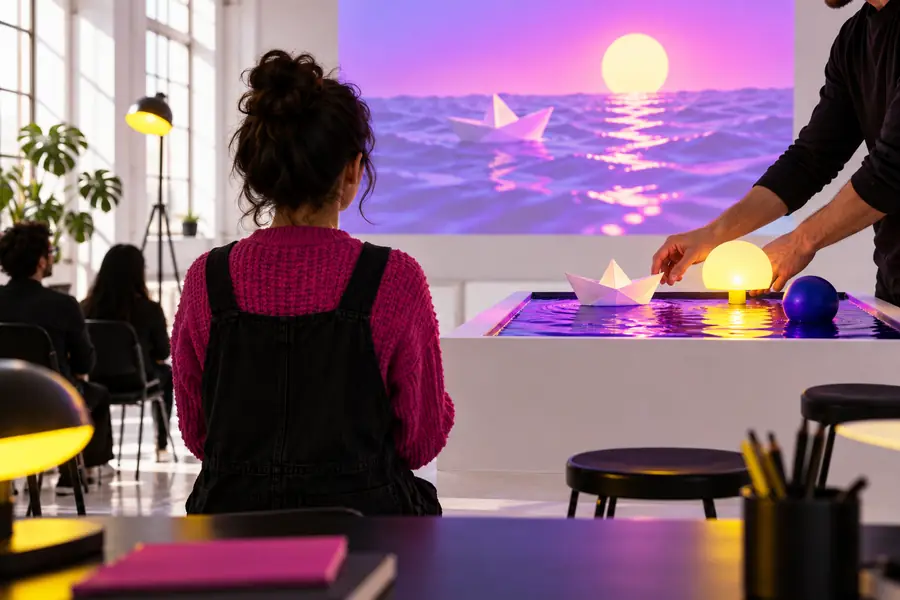 Motion-ready direction
Before you send the prompt or image onward, use this quick comparison to remove avoidable ambiguity. The right-hand column is not about adding more words; it is about making the intended shot easier to interpret.
Subject
Unclear first attempt
A beautiful person in a nice place
Focused first attempt
A cyclist in a yellow raincoat
Setting
Unclear first attempt
An interesting outdoor scene
Focused first attempt
A wet city street at dusk
Action
Unclear first attempt
Moving in a dramatic way
Focused first attempt
Rides slowly past glowing shop windows
Camera
Unclear first attempt
Make it cinematic
Focused first attempt
Gentle side-tracking camera movement
Mood
Unclear first attempt
Very emotional and exciting
Focused first attempt
Quiet, reflective atmosphere
Revision goal
Unclear first attempt
Add more detail everywhere
Focused first attempt
Change one weak element at a time
Image-led note
Unclear first attempt
Animate the whole picture
Focused first attempt
Keep the subject stable while the background drifts
You now have a practical beginner workflow: choose text or image input, describe one visual moment, check the result, and revise with a single clear change. Send the prepared idea onward when you are ready to test it.
Try your first videoThese answers cover the questions beginners usually face when choosing a starting route for a first Hailuo video.
Start with one short scene and one clear action. If you have no source image, describe the subject, setting, movement, and mood in plain language; if you already have an image, use it as the visual anchor and explain what should move.
Use text-to-video when you are exploring an idea and do not have a suitable image. Use image-to-video when composition, appearance, or a specific subject already matters to you.
Include the details that affect the shot: who or what is visible, where it is, what it does, and how the camera behaves. Avoid stacking many actions, styles, and scene changes into the first attempt.
Identify one visible problem, such as weak motion, an unclear subject, or an unwanted camera move. Rewrite only the relevant part of the instruction and test again so you can tell whether the change helped.
Yes. A photo can provide a useful visual reference for the subject and composition. For the clearest first test, use a well-framed image and request one restrained movement rather than several simultaneous changes.